After weeks or months of working with Claude Code, a question starts to form: How am I actually using this thing?
We have intuitions. We think we know our patterns. But intuitions can be wrong.
Claude Code has a built-in answer: /insights. One command, and it analyzes our session history: every tool call, every message, every incomplete workflow. It surfaces patterns we couldn't see ourselves.
The report it generates is dense: charts, suggestions, friction analysis, feature recommendations. For someone new to Claude Code, it can feel overwhelming. For someone experienced, it's easy to skim past the parts that matter most.
So let's walk through it together. First as a beginner would read it, then as an intermediate user. Same data, different lessons.
What /insights Actually Does
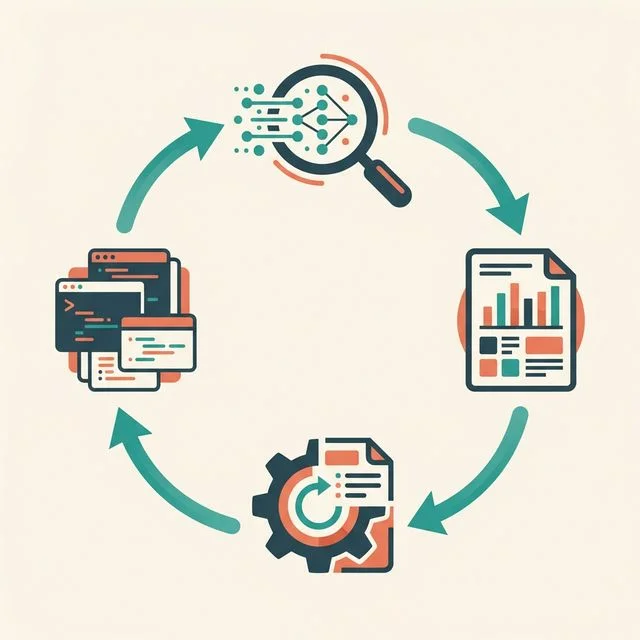
When we run /insights, Claude Code analyzes our usage history:
What it reads:
- Session logs (every conversation across all projects)
- Tool usage (which tools, how often, in what combinations)
- Outcomes (completed tasks, interrupted sessions, errors encountered)
- Patterns (time of day, session length, multi-clauding behavior)
What it produces:
- Quantitative summaries (messages, files touched, languages used)
- Behavioral analysis (how we interact, what we ask for)
- Friction identification (where things go wrong, with specific examples)
- Actionable suggestions (CLAUDE.md additions, features to try, prompts to copy)
The output is an HTML report we can open in a browser: shareable, searchable, and surprisingly detailed.
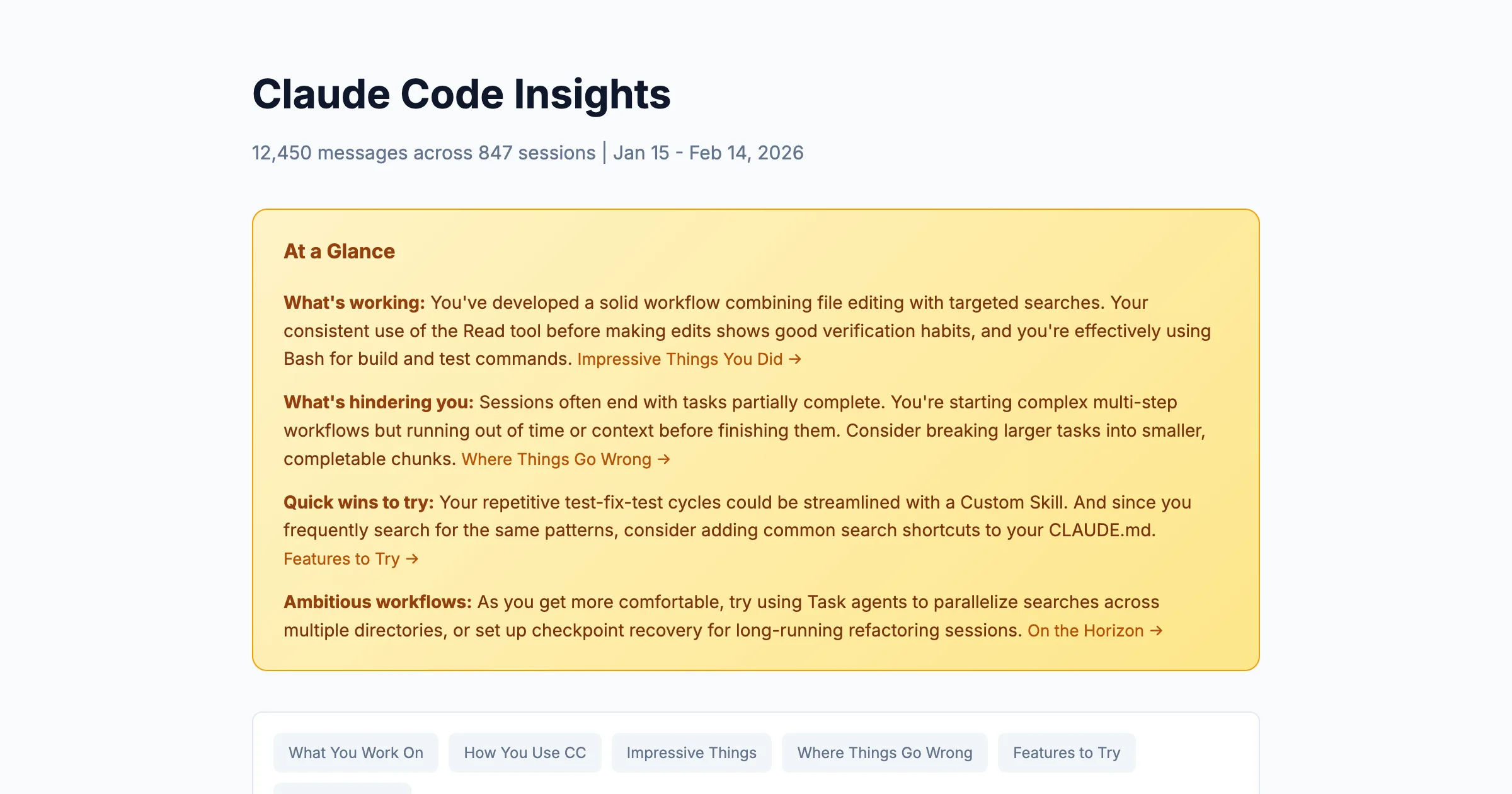
The "At a Glance" section at the top provides the executive summary. But the real value is in the sections below, and what we look for depends on where we are in our Claude Code journey.
The Beginner's Read-Through
If we're relatively new to Claude Code, maybe a few weeks in and still discovering features, here's where to focus.
Start with "Top Tools Used"
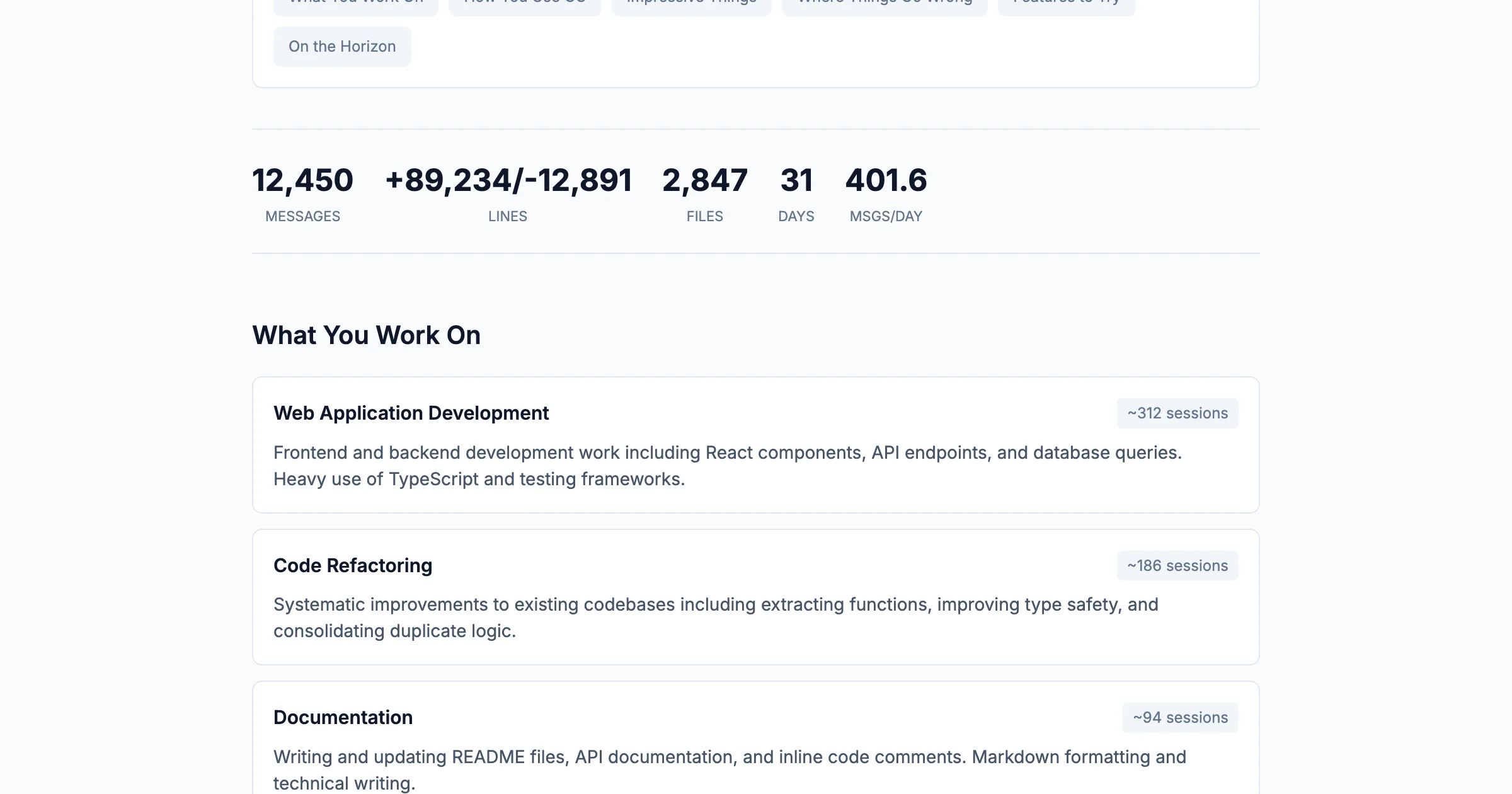
This chart shows which tools we've actually been using. For beginners, it's a discovery mechanism.
Questions to ask ourselves:
- Is Bash dominating? That's common, but are we using Claude Code as just a fancy terminal?
- Is Read high but Edit low? We might be exploring code without modifying it.
- Do we see Task, Grep, or Glob? If not, we might not know these exist.
The tools we don't see are as informative as the ones we do. A beginner who has never used the Task tool is missing Claude's ability to spawn sub-agents for parallel work. Someone who has never used Grep might be asking Claude to "find" things in natural language when a targeted search would be faster.
Copy the CLAUDE.md Suggestions
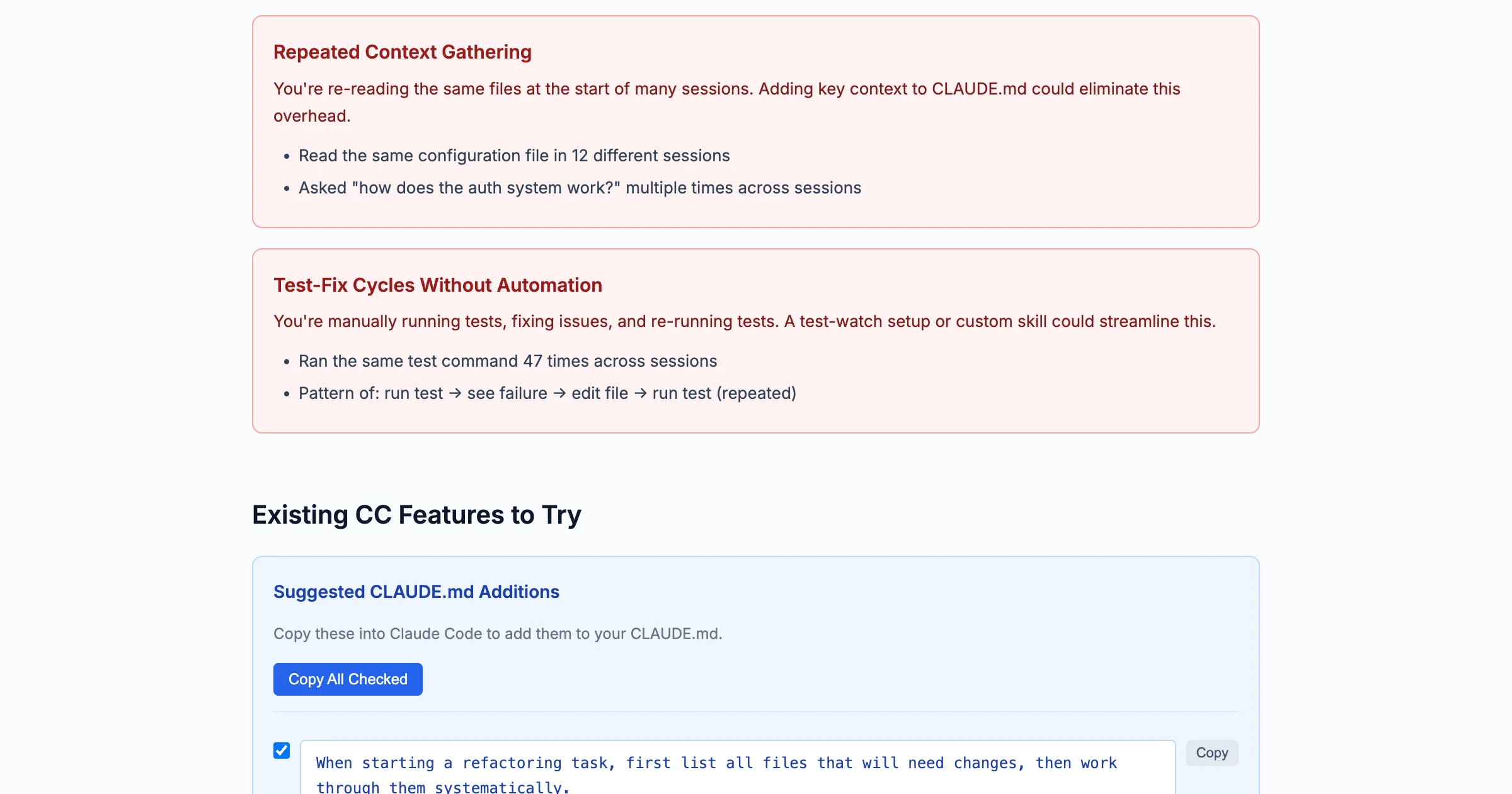
This section is gold for beginners. The report analyzes our specific friction patterns and generates ready-to-copy instructions for our CLAUDE.md file.
We don't need to understand why these suggestions work yet. Just copy them. They're based on patterns the analysis detected: sessions that ended mid-task, repeated context-gathering, workflows that got interrupted.
Treat "Features to Try" as a Curriculum
The report recommends features based on our usage patterns. For beginners, this is a learning roadmap.
Common recommendations:
- Custom Skills: If we keep giving the same instructions, a skill turns them into a /command
- Hooks: If we're doing repetitive formatting, hooks can automate it
- Task Agents: If we're doing sequential searches, agents can parallelize them
What to Skip (For Now)
Some sections are more useful once we have established patterns:
- "Where Things Go Wrong": Useful, but we need enough history for the patterns to be meaningful
- "On the Horizon": Advanced workflows that require solid fundamentals first
- Response time distribution: Interesting but not actionable for beginners
We'll come back to these.
The Intermediate Read-Through
Now let's read the same report as someone with established workflows: months of usage, developed habits, maybe some custom skills already in place.
Study "Where Things Go Wrong"
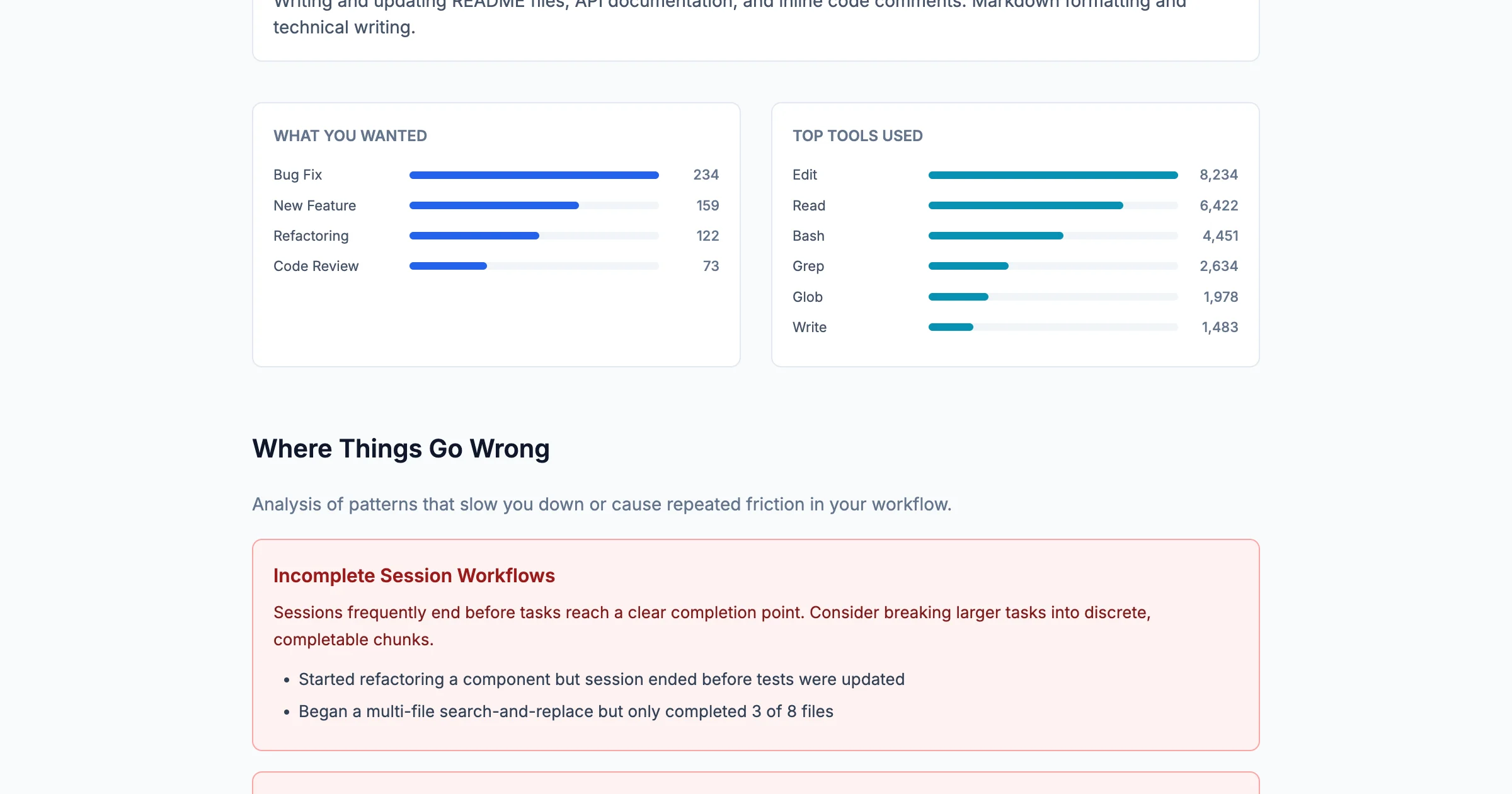
This is where intermediate users find the most value. The report identifies specific friction patterns with concrete examples from our sessions.
Common patterns it surfaces:
- Incomplete Session Workflows: We started something but the session ended before completion
- Chained Tasks Without Prioritization: We asked for too much at once; later tasks got dropped
- Formatting-Heavy Workflow Overhead: We're doing manually what could be automated
The examples are pulled from our actual sessions, with specific details about what we were working on and where things stalled. That's not generic advice. It's what happened.
Look for Automation Opportunities
The "What You Wanted" chart shows our goals. If one category dominates, that's an automation candidate.
Example from a real report:
- Formatting Fix: 196 sessions
- Investigate Codebase: 41 sessions
- File Management: 41 sessions
196 formatting fix sessions? That's not a task. It's a job for a custom skill or pre-commit hook. The report is showing us where we're spending human attention on machine work.
Use "On the Horizon" for Stretch Goals
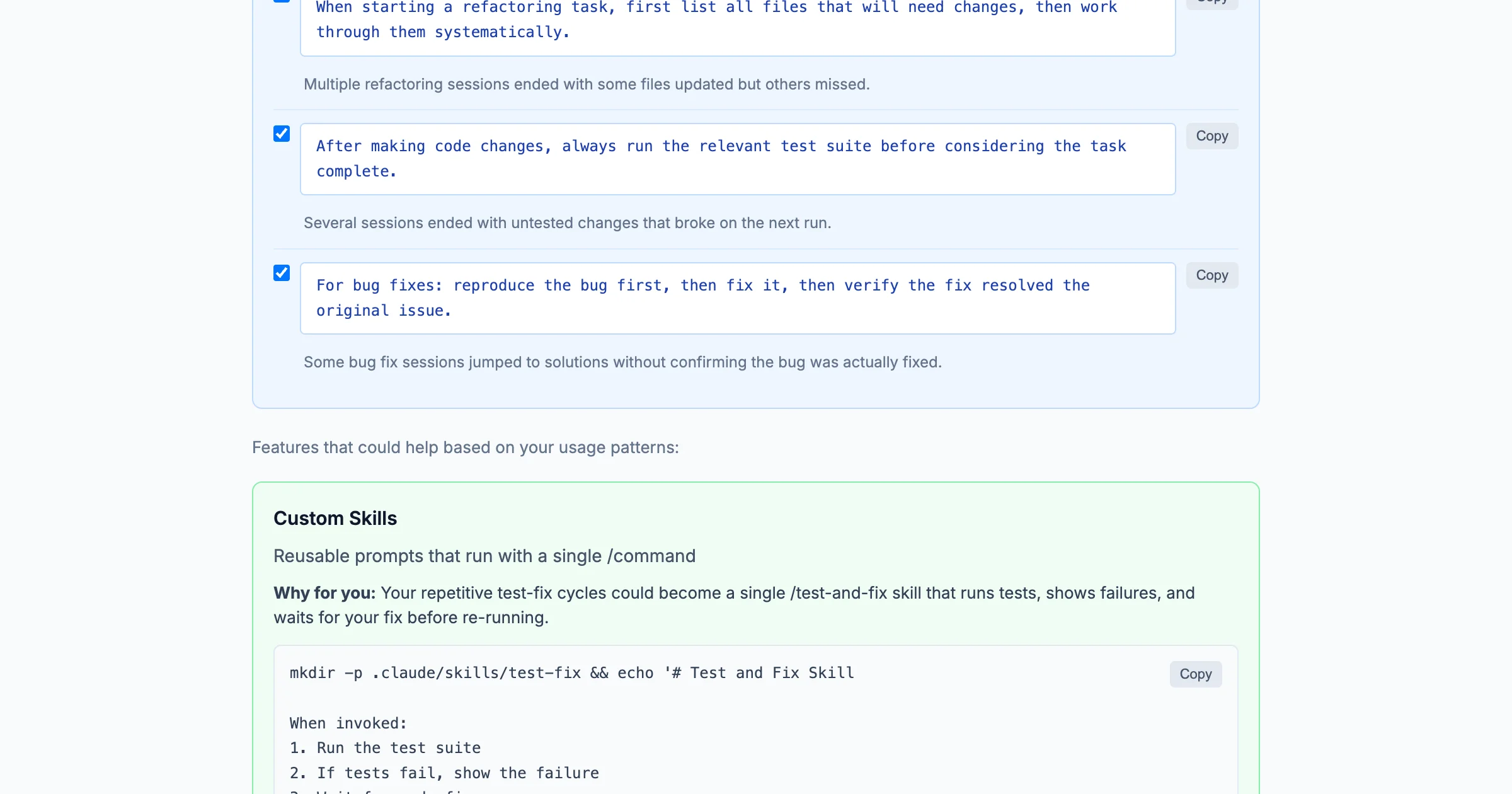
This section describes workflows that push beyond current patterns: autonomous multi-file refactoring, self-continuing sessions with checkpoint recovery, parallel agent investigation.
For intermediate users, these are practical. They're the next level. The report includes copy-paste prompts to try them.
Check In When Things Change
Run /insights when our workflow feels different. Maybe we've added new CLAUDE.md instructions, created a custom skill, or started using Claude Code for a new type of work. The report will show whether the data reflects what we're experiencing.
The Meta-Insight
There's something recursive about using an AI tool to analyze how we use the AI tool.
But that's the point. We apply analytical rigor to our research data. We track metrics for our projects. Why wouldn't we do the same for our tools?
/insights turns Claude Code usage into data. Data we can examine, learn from, and act on.
For beginners, it's a discovery mechanism, surfacing tools and features we didn't know existed.
For intermediate users, it's an optimization tool: identifying friction, suggesting automation, tracking improvement.
For everyone, it's a reminder: the patterns we can't see are often the ones costing us the most time.
Run /insights. Read the report. Pick one thing to change. See what happens.
Suggested Citation
Cholette, V. (2026, February 4). Reading your own data: What Claude Code /insights reveals at every stage. Too Early To Say. https://tooearlytosay.com/research/methodology/claude-code-insights/